Google Map Leads Scraper
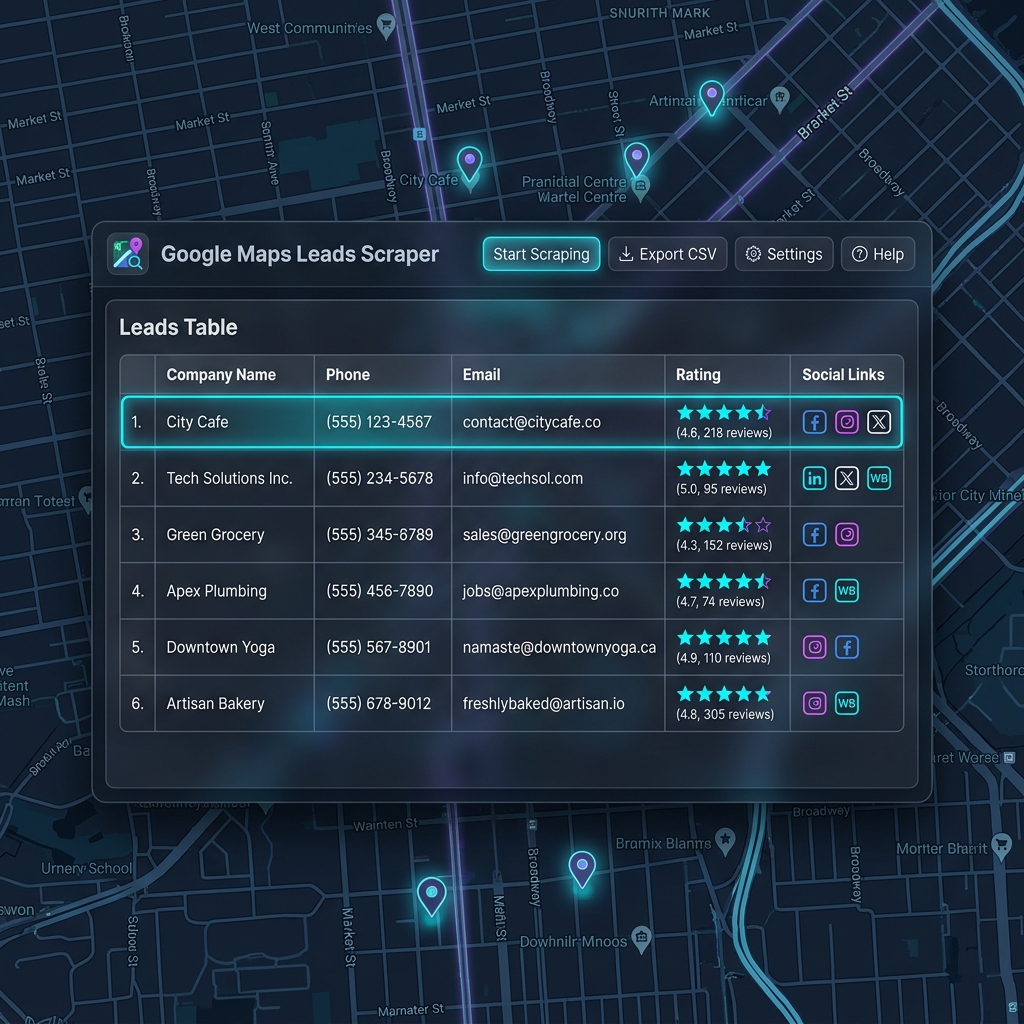
Collect local business details from Google Maps without manual copy work. Extract names, phone numbers, emails, and social links instantly.
Step-by-Step Setup
How to Install Using ZIP File
Follow these simple steps to manually install our Chrome Extension in less than a minute.
Download ZIP File
Click the download link below to save the extension bundle on your system.
Download Extension ZIPExtract the ZIP File
Right-click the downloaded zip file and extract its contents into a standard folder on your desktop.
Open Chrome Extensions
Open a new tab in Google Chrome, click the three dots in the top-right corner → More tools → Extensions. Or type chrome://extensions/ in your URL bar.
Enable Developer Mode
Locate the "Developer mode" toggle switch in the top-right corner of the Extensions page and turn it ON.
Drag & Drop Folder
Drag the extracted extension folder from your file manager and drop it anywhere on the Chrome Extensions page.
Click Add Extension
Chrome will load the folder, configure permissions, and add the icon to your toolbar. Pin the extension for quick access. Done 🎉
Video Walkthrough Guide
Upgrade to G‑Map Scraper Pro
No recurring monthly subscriptions. Claim your exclusive lifetime license with unlimited lead extraction & instant manual key delivery.
Looking for an Extra Discount or Paying via UPI?
Want a special custom discount, student deal, or prefer paying via instant Indian UPI (GPay / PhonePe / Paytm / Bank Transfer)? Reach out to us directly — our team offers instant customized discount codes and immediate manual activation!
Get Started With Our Tool
Submit your details and requirements. We'll set up your scraper configuration and assist you with the onboarding process immediately.